








Measurable outcomes, from day one


The Platform
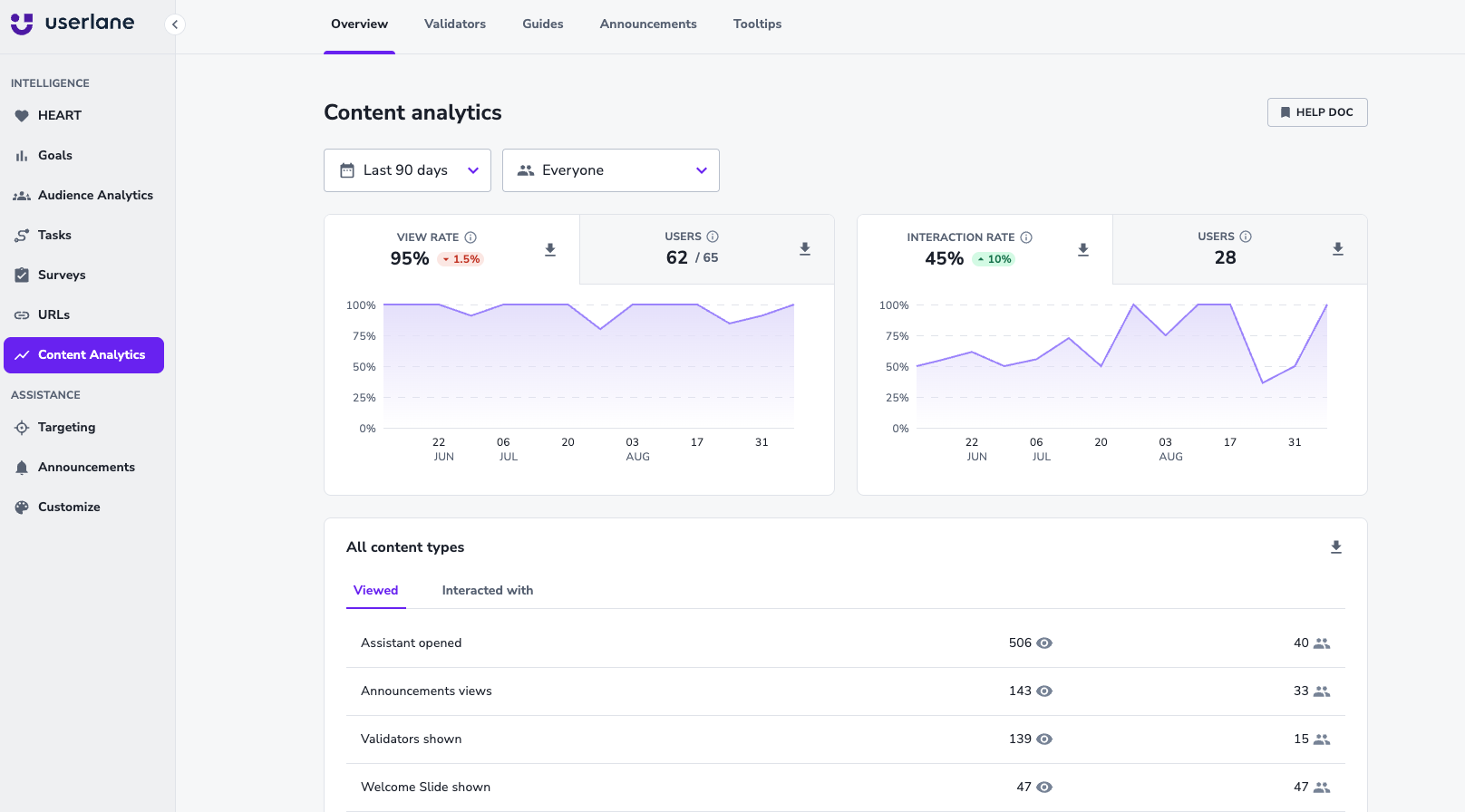
Application Intelligence
See how work actually happens.
- App Discovery: Find all applications in use, including shadow IT
- HEART Score: Measure adoption, compliance and task success
- Portfolio Overview: Prioritize where to invest, cut, or fix
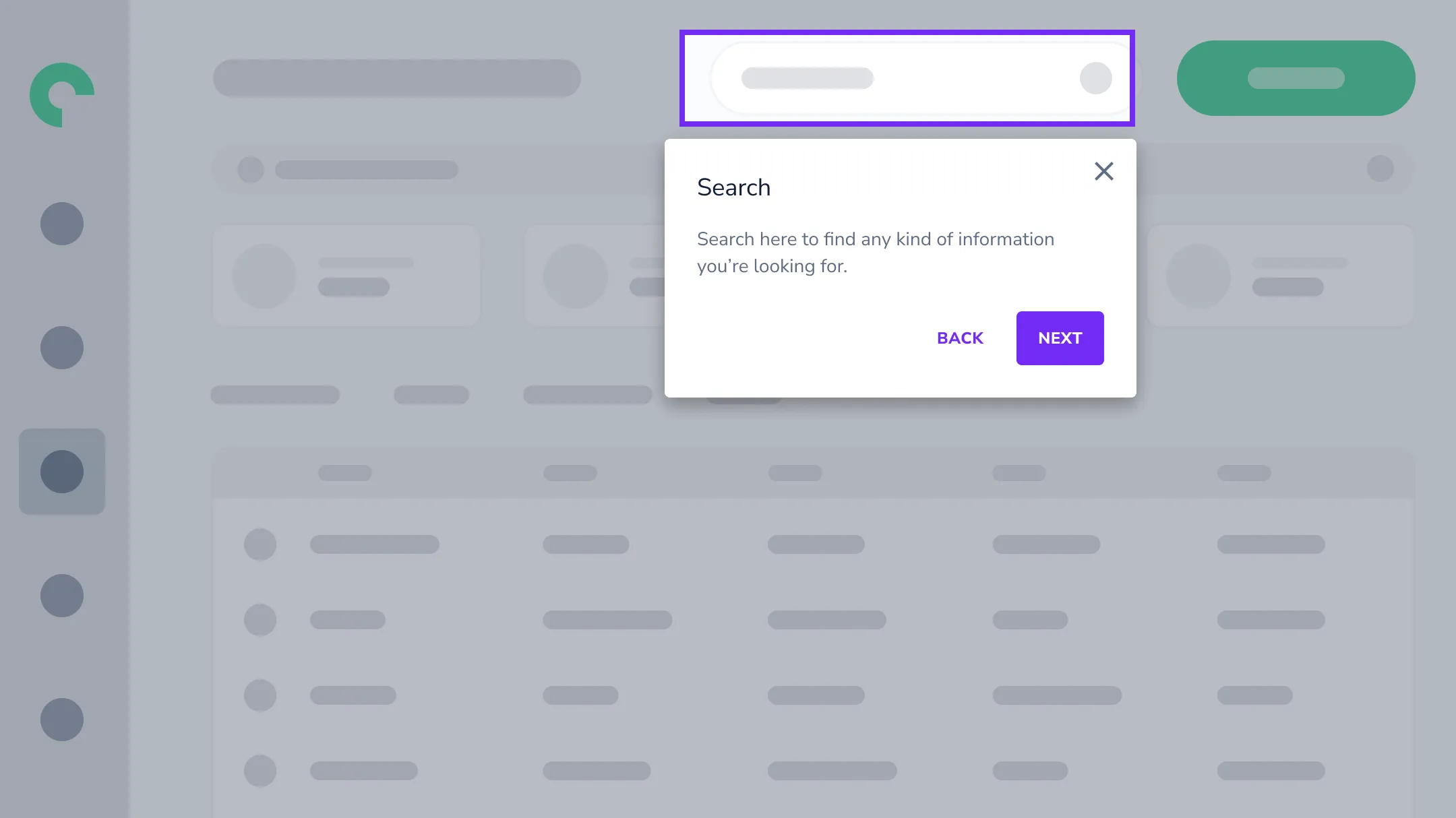
Contextual Assistance
Connect people to the right help inside any application.
- The Assistant: Answer questions and automate workflows
- In-app Guidance: Structured help for compliance-critical and complex workflows
- Contextual Actions: Help that fires automatically when a condition is met, not when someone thinks to ask
- Validators: Catch wrong entries before they are saved. Measure the error rate first, then intervene
The Intelligence Loop
Most software investments end with deployment. Userlane starts there.
Measure
Determine what works and what doesn't.
Act
Deploy the right help at the right time.
Prove
Improve continuously based on results.
Enterprise-grade from day one.
Userlane fits into your existing infrastructure without custom development or lengthy procurement cycles.
Two hours of IT setup.
Two weeks to deployment.
Full enterprise security from day one.
2 hours
IT setup via group policy
2 weeks
To first deployment
30 days
To initial impact
ISO
Certified (ISO 27001)
FAQs
Frequently Asked Questions
It depends on your priority. Start with Contextual Assistance if your immediate pain is support ticket volume, time-to-productivity, or workflow errors. Start with Application Intelligence if you need visibility into adoption, license usage, or which software delivers value. The pillars work independently, but the real power comes when they work together.
Application Intelligence identifies where people struggle through HEART Analytics and segment analysis. Contextual Assistance delivers targeted help for those specific friction points. Then Application Intelligence measures whether the help worked. It's a continuous feedback loop, not two separate products.
Minutes for initial setup: browser extension deployment via group policy (supports Chrome, Edge, and Firefox), SSO via SAML 2.0 and Active Directory integration, security review. Business users manage everything afterward through a no-code management console.
Userlane offers application-based pricing across three tiers: Application (single app), Department (3+ apps), and Organization (unlimited). Pricing scales with scope, not user count. Contact sales for a quote based on your specific needs.
Userlane works with any web-based enterprise application. This includes ERP systems, CRM platforms, HCM solutions, clinical software, financial systems, and custom business applications. If your team uses it in a browser, Userlane can track adoption and deliver contextual assistance.
Userlane integrates with Microsoft Copilot and other assistants via MCP. Users can ask Copilot for help, and Copilot can trigger Userlane interactive guidance and automations. Userlane also connects custom AI agents to the Userlane Assistant via MCP, so people get help wherever they need it.
AI adoption is the degree to which employees actually use AI tools in their daily work - not just whether the tools are deployed. Improving it requires two things: identifying where AI will add the most value, and helping people use AI in the flow of work. Application Intelligence surfaces the processes and teams where AI will have the biggest impact. Contextual Assistance helps employees adopt AI tools without disruptive training.

