The Assistant
Answers inside the application, before they become tickets
The Assistant is a conversational helper built into Userlane extention. People ask a question in their own words and get an answer taken word for word from the organization’s own knowledge base, with their role and their place in the application as context. When it cannot answer, it starts a guide or raises a support ticket.
- Answers from approved sources: drawn from existing knowledge bases and documentation, so nothing has to be rewritten first.
- Help that knows the context: answers take into account the person’s role and where they are in the application.
- Fewer how-to tickets: people get answers while they work, so routine questions stay away from the service desk.
Questions about how to do something in an application cost time for the person asking and for the service desk. Answered on the spot, people keep working and support teams can focus on real issues. Because answers come word for word from approved content, the Assistant also suits regulated settings such as healthcare.
In-app Guidance
Complex workflows, learned while doing them
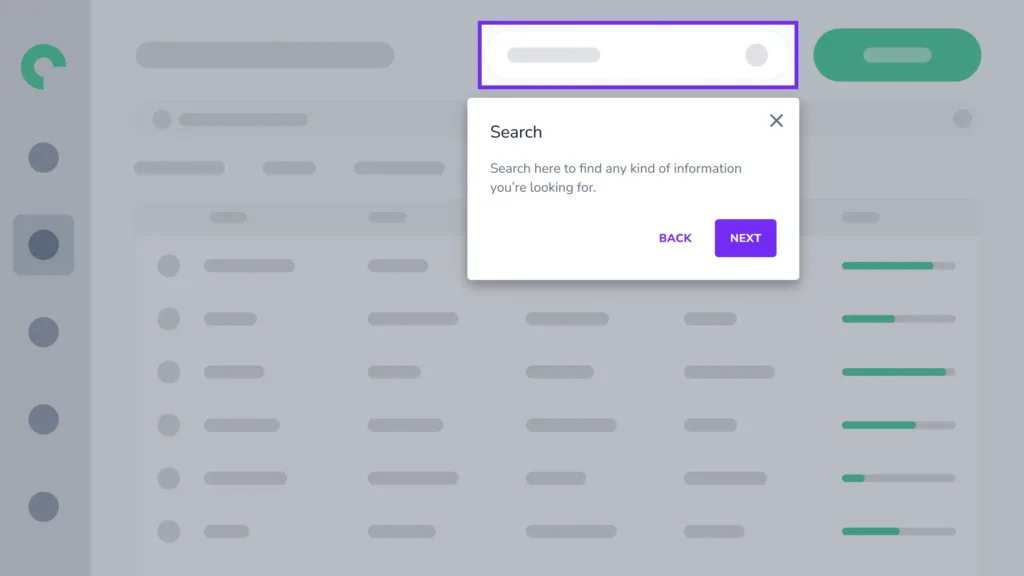
In-app Guidance walks people through a process inside the application, step by step. Guides lead through a full workflow, Tooltips explain a single element on screen, and Beacons draw attention to what matters. Guides can check each step as it is completed, and AI drafts and translates the content.
- Productive without classroom training: new joiners and people facing a changed process learn it in the application itself.
- Changes that reach the right people: Announcements inside the application tell each group what changed for them.
- Content that keeps up: AI Drafting and Auto-translation shorten the time to build and localize guidance.
Training held before go-live is easy to forget by the time people need it. Guidance in the application is there at the moment someone does the task, so people become productive sooner and make fewer mistakes in processes they rarely use.
Validators
Wrong entries stopped before they are saved
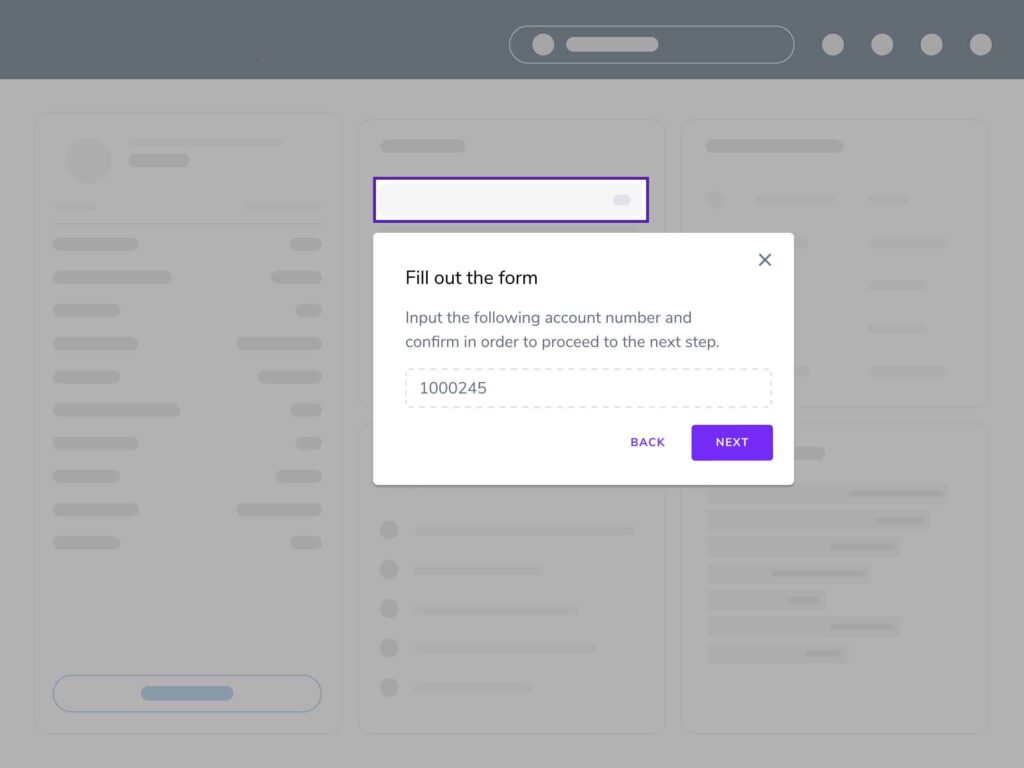
Validators check that an entry is correct before it is saved. They run in three modes. Measure mode records the error rate without showing anything to the user, so the starting point is known before any help is switched on. The other two modes show the check, or a warning, to the person entering the data.
- Cleaner data at the source: checks on format, range, and required fields catch errors before they reach reporting.
- Less rework downstream: fewer corrections later, and fewer tickets about broken records.
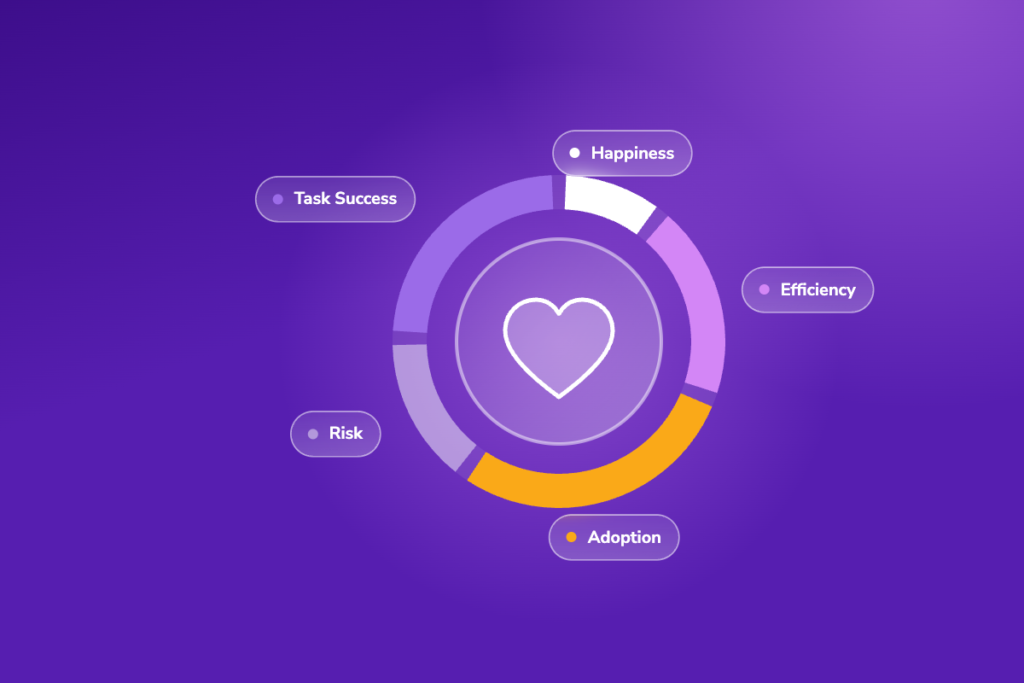
- Proof of the effect: the pass rate feeds the Risk dimension of the HEART Score.
An error found after it is saved takes work: someone has to find it, correct it, and fix whatever it affected. Validators keep data reliable for reporting, audits, and the processes that depend on it.
Contextual Actions
Help that starts when the problem starts
Contextual Actions start assistance automatically when a defined condition is met. The condition is either a specific event, such as an error message, or a behavior signal, such as someone stalling in a process. The right help then opens without anyone searching for it.
- People unstuck in the moment: the matching guide opens when someone hits an error or stalls in a process.
- Fewer abandoned processes: help arrives before the person gives up or raises a ticket.
People who are stuck do not always ask for help. Contextual Actions make assistance proactive, so the people who need it get it at the right step, and processes get finished.
Assistance Connectors
Use the knowledge already written
The Assistant answers from the documentation and tools an organization already runs, so nothing has to be rewritten before it goes live.
- Knowledge bases and documentation: answers come from the sources people already trust.
- Ticketing tools and email: when the Assistant cannot help, it raises a ticket through the existing tool or by email.
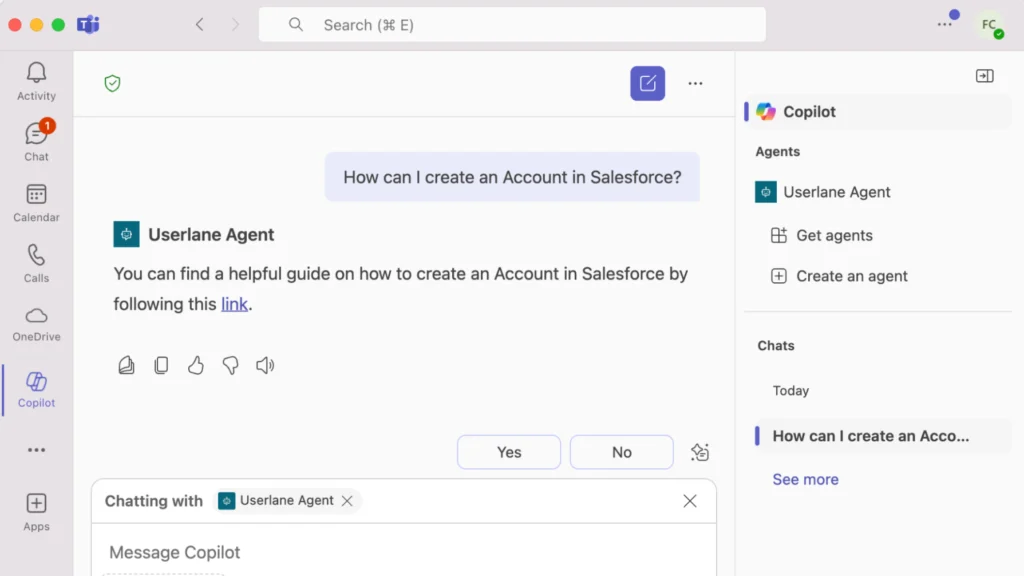
- Microsoft Copilot: Userlane works alongside the AI the organization already uses.
Assistance works best with Intelligence
Each one depends on the other
Assistance and Intelligence depend on each other. Intelligence measures what Assistance puts in place, and Assistance relies on Intelligence to show where help is needed and whether it worked. Both run under one Application license.
- Help where it is needed: the HEART Score shows which processes to cover first.
- Proof that it worked: each piece of help is measured, so teams can improve or remove what does not work.